USB-Midi Clock in HELP
 _system_
USPosts: 1
_system_
USPosts: 1
Hi folks, I am having an issue where my OLED deluge is not receiving midi clock over its usb ports in windows 11. I would like to use software in Windows 11 like NI Reaktor to control the deluge transport and clock; through a USB cable. (no host mode yet)
I have done this in the past (2013 Macbookpro):
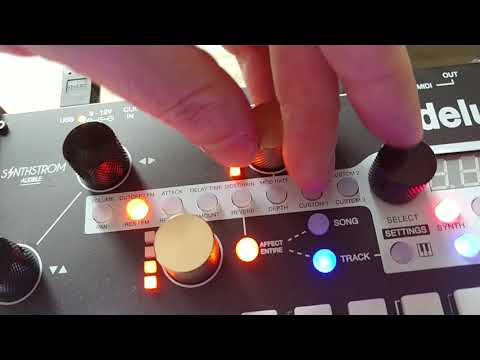
I have:
-yet to get the red led(synced) under the tempo knob to light up
-tried FW 4.1.4(0fficial), 1.2, and tonight's 1.3 (the rain screensaver is nice)
-tried with a hub and with a direct connection to the laptop
-swapped out usb cables
-used buss power and DC wall power (yes it's center neg)
-tried all the same with Dirtywave M8 which works perfectly out and in
-reversed using the same enumerated ports in windows using Deluge clock out; deluge drives slaved reaktor or reaper(spp) fine
-tried every combo of Clock, midi and trigger Global settings
-watched deluge clock out in midi-ox over USB connections deluge, deluge 2 and deluge 3 (deluge and 2 have some overlap)
I do not understand:
-what is meant by 'upstream midi ports' 1 & 2
-why does reaper follow spp on the deluge ports when there is no option for spp in the global settings
-what has changed
-why there are not more options for clocking that distinguish between transport, midi clock and spp?
I am aware that audio clocking is better, and I can use midi cables too - but shouldn't this just work over USB?
I feel like I am overlooking something REALLY basic. lol
Any help would be greatly appreciated!